Do You Need a MagSafe Case for MagSafe to Work?
For charging, usually not. For holding a wallet or a mount, it depends on how thick the case is. Those are two different problems, and a normal case fails them at different points.
This post contains Amazon affiliate links. As an Amazon Associate we earn from qualifying purchases, at no extra cost to you.
It depends on what you want MagSafe to do. For charging, usually not: a magnetic charger works through most thin ordinary cases. For holding things, such as a wallet, a grip or a car mount, a case without its own magnets weakens the grip from the first millimetre, and a thick one ruins it. A case with a built-in magnet array solves both.
That split is why one person can say MagSafe works fine through their case and another, with the same phone, can say it does not.
Charging and holding are different problems
Wireless charging is induction between two coils. It tolerates a small gap, so a thin layer of plastic, silicone or leather between the charger and the phone costs a little efficiency and adds a little heat, but it still works. It stops working when the gap gets too big or when there is metal in the way.
Holding is magnetism, and magnetic force falls away far more steeply with distance. A gap that a charger shrugs off takes a large bite out of the grip on a wallet. So a case can pass the charging test and fail the holding test, and many do. Whether the magnets themselves fade with age is a separate worry with a short answer: MagSafe magnets do not wear out.
The magnets also do a second job for charging: they pull the charger into exact alignment over the coil. Through a plain case that pull is weaker, so the charger can sit slightly off centre. The phone still says it is charging, but more slowly and with more heat.
Four setups, from best to worst
Bare phone. Everything works at full strength on an iPhone with a magnet array, which means the iPhone 12 and later numbered models apart from the exceptions below.
Case with a built-in magnet array. The case carries its own ring of magnets, sitting against the phone's ring and presenting a fresh one on the outside. Accessories attach to the case's magnets instead of reaching through the case. Holding is close to bare-phone strength and chargers align properly. This is what "MagSafe case" should mean. Be wary of "MagSafe compatible", which sometimes means only that the case is thin enough to charge through. The same phrase on a charger is looser still, which Qi2 vs MagSafe unpacks.
Thin case with no magnets. Around a millimetre of plastic or silicone. Charging generally works. A magnetic charger clings, weakly. A wallet attaches and then leaves the first time a pocket edge catches it. A car mount may hold on a smooth road and let go over a bump.
Thick or rugged case with no magnets. Two to three millimetres or more, sometimes with a layered back. Holding is effectively gone, a magnetic charger will not stay put, and charging on a flat pad turns slow, warm or intermittent. Our rugged case guide flags which protective cases include a real array for this reason.
Cases with a metal plate, a card slot or a fixed grip on the back are their own category. Anything bulky or metallic over the coil stops charging for the same reasons set out in do phone grips block wireless charging.
iPhones where the case has to supply the magnets
Some iPhones charge wirelessly but have no magnet ring. The iPhone 16e is the current example. The iPhone 8 through iPhone 11 and the second- and third-generation iPhone SE are the older ones.
On these, nothing magnetic attaches to the bare phone at all, so the question flips. You do need a magnetic case, or a stick-on ring, before any MagSafe accessory will hold. Our 16e case guide lists only cases with a real array for exactly that reason. The iPhone 17e went the other way and has the magnets built in.
When a stick-on magnet ring is enough
If you like your current case and it has no magnets, a stick-on magnet ring costs a few dollars and adds the missing array to the outside. It is enough when:
- the case is smooth hard plastic, which the adhesive can bond to
- the case is slim, so the extra millimetre or two of ring does not push a charger out of range
- you want to hold a wallet, grip or mount and do not mind the ring being visible
It is the wrong answer on silicone, leather or textured cases, where the adhesive lets go within weeks, and on thick cases, where you gain holding and lose wireless charging. In both situations a case with a moulded array is the better buy.
So which do you need
If you only charge, on a pad or a magnetic puck at home, a thin ordinary case is fine. Expect slightly slower, warmer charging than on a bare phone.
If you use a MagSafe wallet, a magnetic grip or a car mount, get a case with a magnet array. These are the accessories where a weak hold means a phone in the footwell or cards left in a taxi.
And if an accessory already holds badly, take the case off and try it on the bare phone before buying anything. That single test, from why MagSafe accessories fall off, tells you whether the case is the problem.
Frequently asked questions
Does MagSafe work through a normal case? Charging usually does, if the case is thin and has no metal in it. Holding is much weaker, because magnetic force drops steeply with distance, so wallets and mounts become unreliable through a plain case.
Do I need a MagSafe case if I only use a MagSafe charger? Not necessarily. A magnetic charger works through most thin cases, though it clings less firmly and may charge a little slower and warmer. A case with a magnet array keeps it properly aligned.
How thick can a case be before MagSafe stops working? There is no single cut-off. Holding suffers from about one millimetre and is largely gone by two to three millimetres if the case has no magnets. Charging tolerates more gap than holding does.
What is the difference between a MagSafe case and a MagSafe compatible case? A proper MagSafe case has a ring of magnets built in. Compatible is a looser word that sometimes means only that the case is thin enough to charge through. Look for a visible magnet ring in the listing photos.
Can I add MagSafe to a case that does not have it? Yes, with a stick-on magnet ring on the outside of the case. It works best on slim cases made of smooth hard plastic. On silicone, leather or thick cases it tends to fall off or get in the way of wireless charging.
Related guides
Qi2 vs MagSafe: What Is the Difference, and Where 25W Fits
MagSafe is Apple's name, Qi2 is the open standard built from it, and neither is the label that catches people out. That one is "MagSafe compatible", and it usually means 7.5W.
Read the answer→Do MagSafe Magnets Wear Out or Lose Strength Over Time?
No, not on any timescale you will own the phone for. When a MagSafe hold gets weaker, the magnets are the last suspect, and a two-minute swap test finds the real one.
Read the answer→Does the iPhone 17e Have MagSafe? Yes, Unlike the 16e
Apple quietly fixed the biggest accessory complaint about its budget iPhone. The 17e has a real magnet array, which changes what you need to buy alongside it.
Read the answer→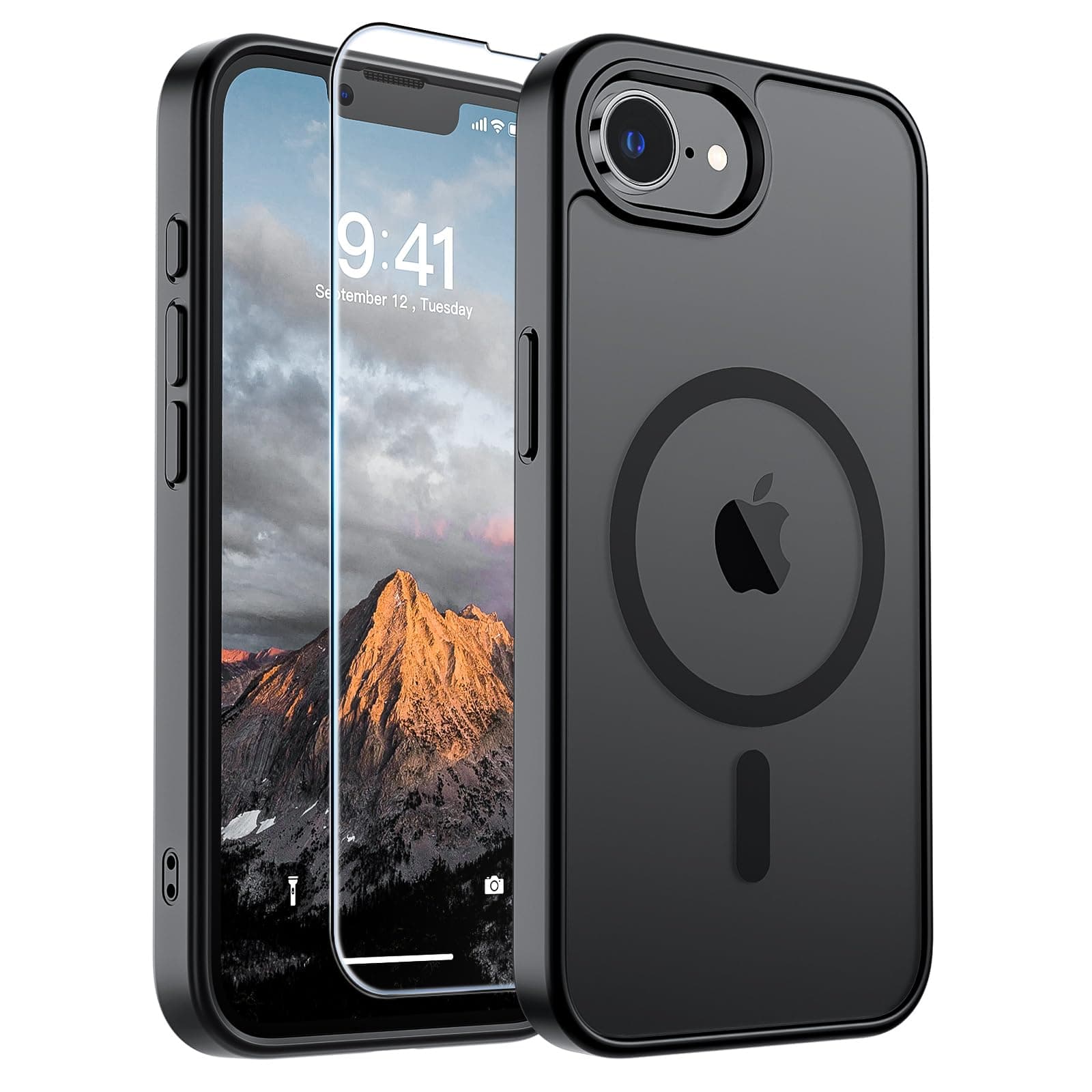 Review
Best iPhone 16e Cases With Built-In MagSafe Magnets
The 16e has no magnets of its own, so the case decides whether wallets, mounts and magnetic chargers work at all. Four picks that carry a real magnet array, from under $7 to just over $30.
Read the review→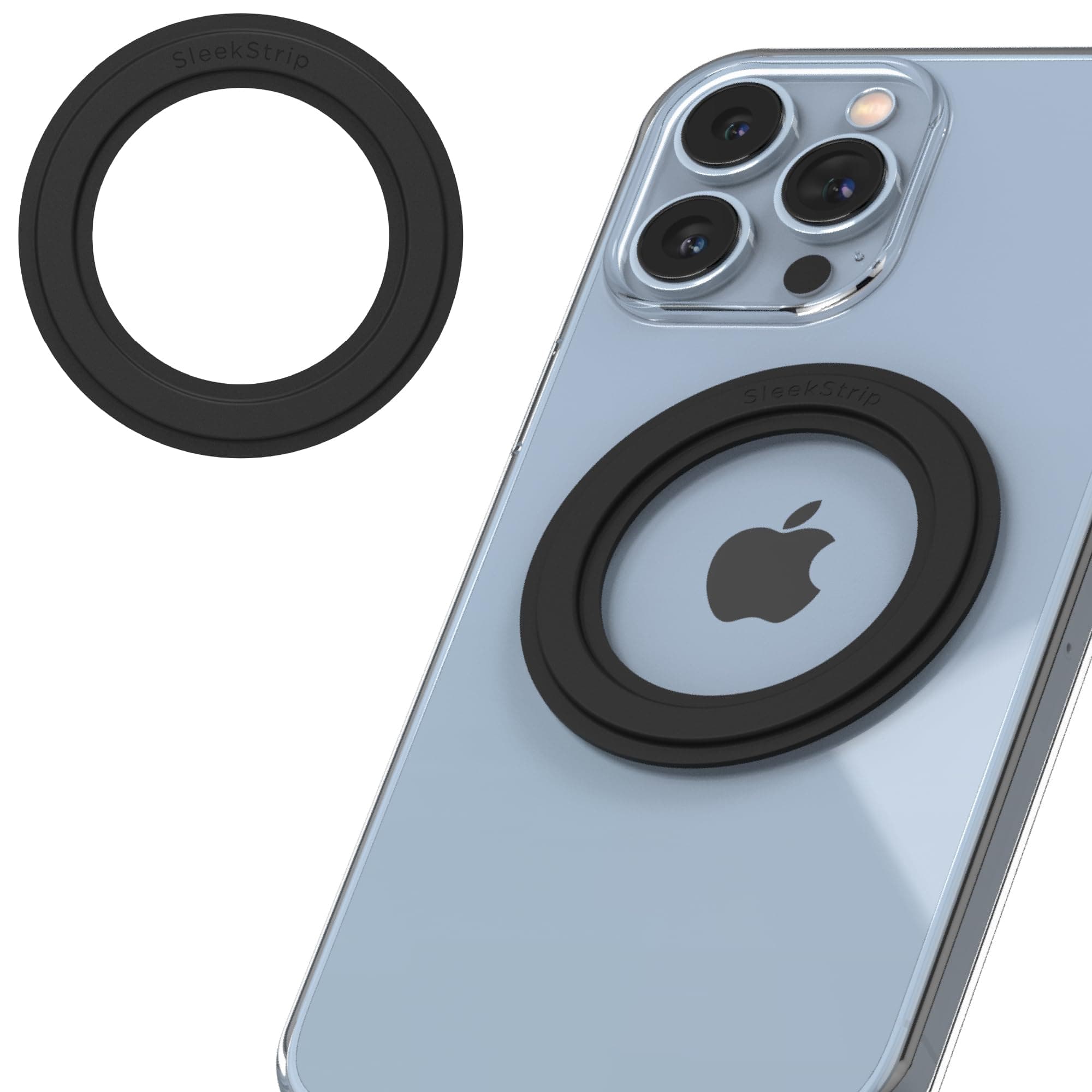 Review
Best MagSafe Magnet Rings: Add Real Magnets to Any Case
A few dollars of adhesive magnets turns a case with no MagSafe into one that holds wallets, mounts and chargers. The catch is that these fail in two predictable ways.
Read the review→Do Phone Grips Block Wireless Charging?
Mostly yes, and the reason is not the magnet. It is where the grip sits and how much air it puts between two coils that need to be almost touching.
Read the answer→